Resources / Guides
Print Environment Planning
5 min read
Print environment planning is a structured look at where printing happens and what has to be true for it to keep happening. It comes before buying, moving, or signing up for support. The output is a clearer brief, not a guaranteed design.
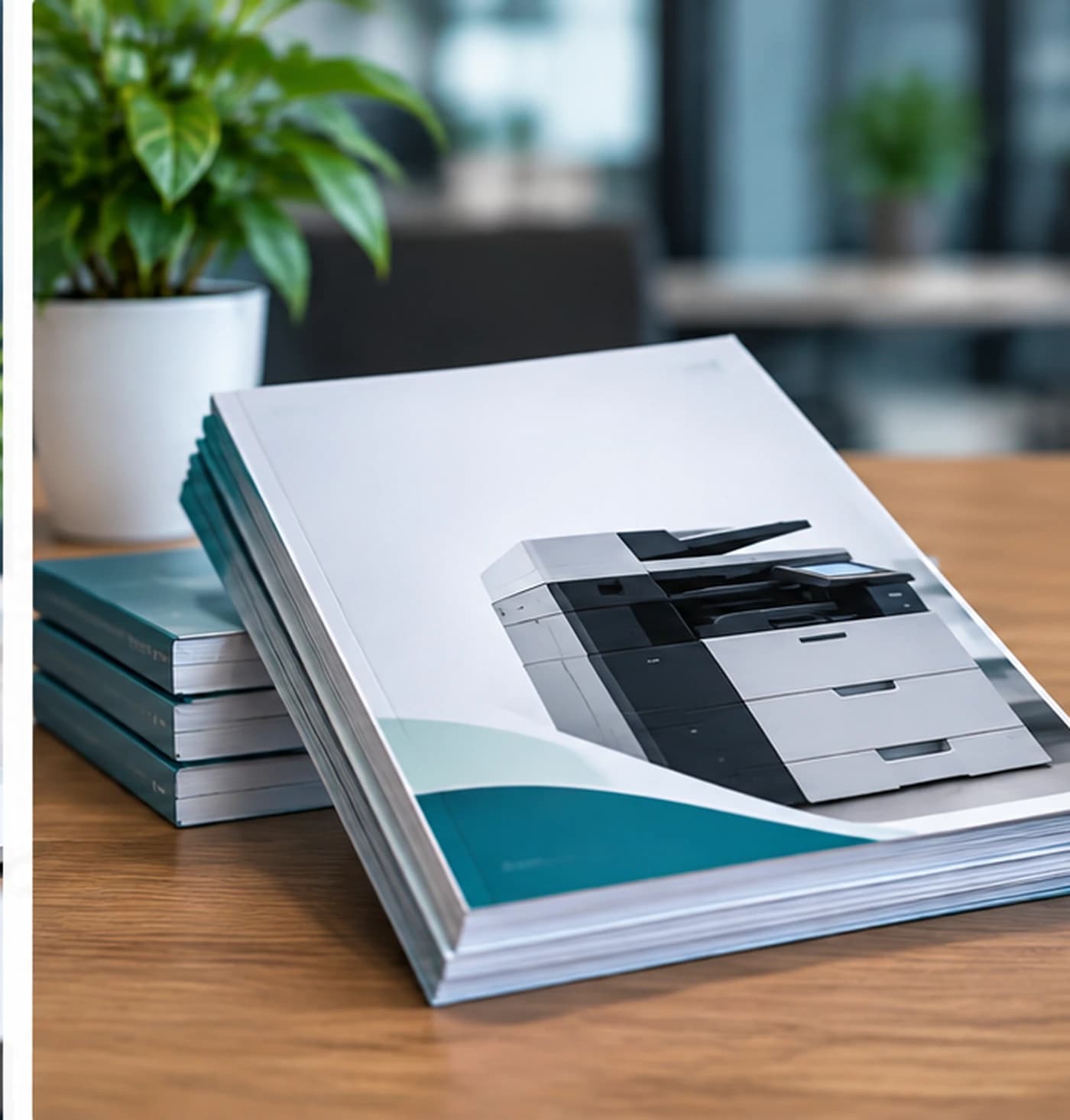
Identifying printer locations
Walk the places people work. Mark every printer, including the one in a spare office and the one that still has a cable but has not been used since a team moved. A plan built from memory will miss the device that is causing the supply orders.
For each location, note who can reach it, whether visitors can reach it, and whether printed pages would be visible to people who should not see them. Location is a privacy decision as well as a convenience decision.
Understanding department requirements
Ask each team what they must be able to print and what they only print out of habit. Reception, operations, finance, and a client-facing room often have different answers. Write the answers separately so a single loud requirement does not become the requirement for the whole office.
- Documents that are time-sensitive.
- Paper sizes and color that are actually required.
- Copying or scanning that shares the same device.
- Work that should not sit in an open output tray.
- Quiet periods versus deadline peaks.
Reviewing device distribution
Distribution is whether the printers sit where the work sits. Count devices per area only after you know the work. Two printers for a large team can still be too few if they are both at the far end of the floor. Two printers for a small team can be more than they use if the devices do the same job.
Look for areas with no reasonable device and for areas with several devices nobody can tell apart. The plan should say what will change and what will stay. Leaving a reliable device in place is a valid outcome.
Understanding printing volumes
Describe volume in a way you can defend. Use a normal month if you have figures. If you do not, use how often paper and supplies are replaced and what the teams say about busy periods. Note peaks separately so they do not redefine the everyday requirement.
Volume is an input to placement and to supply planning. It is not, by itself, a reason to promise lower spending. A planning conversation that starts with a savings figure is ahead of the evidence.
Considering equipment requirements
Translate the work into equipment traits without jumping to a brand. You might need a shared device that handles a stated paper size, a quieter device for a small room, or a separate device for a private area. You might need to keep a current device because people scan on it.
Compatibility belongs in this step: the computers that must print, the queues someone will have to change, and the supplies the device will add to your list. Print environment assessment is the service that can help organize this review. The recommendation, if one is made, is specific to what you describe and to the arrangement.
Planning consumables
Add supplies to the plan at the same time as devices. A new model that uses a cartridge you do not already buy is a new process, not only a new printer. Identify the items, where they will be stored, and who notices when they are low.
Do not plan on a particular item being in stock, on automatic replenishment, or on one supply fitting every device. Those are claims this guide does not make.
Reviewing support arrangements
Write down how help works today. Who gets called, what they can do remotely, and when someone has to stand at the device. Then write what you want a future arrangement to cover. Be explicit about sites. Support for more than one location is something to discuss, not something to assume.
Alpha And Omega Printing LLC provides on-site and remote support for printing-related business services. The method depends on the issue, the location, the equipment, and what was agreed. A plan should leave room for that distinction instead of promising a visit or a remote fix for every case.
Identifying potential improvements
Improvements should be named as changes you can observe: a private device for one team, fewer overlapping printers in one room, a supply list that matches the models you have, or a single way to ask for help. Rank them. A plan that changes everything at once is harder to test.
If documents are printed because the workflow around them is unclear, look at document and workflow solutions as a separate question. Moving a printer will not fix a process that requires three extra copies. It may still be the right physical change. Keep the two decisions distinct.
Print environment planning checklist
- 01Walk every site and list the printers that are there.
- 02Note privacy, walking distance, and who each device serves.
- 03Ask each department what it must print, separately from habit.
- 04Mark areas with too little coverage and areas with overlapping devices.
- 05Describe normal volume and the peaks that are not normal.
- 06Write equipment needs as traits, not as a brand.
- 07List the supplies those devices would add or keep.
- 08Describe how support works today and which sites any new arrangement must include.
- 09Separate workflow problems from device and placement problems.
- 10Choose one or two improvements to discuss before treating a scope as agreed.
Related services
These services are the closest match to the topics in this guide. Using the guide does not start a service.
Continue reading

Print Environment
What to Consider Before Upgrading Your Print Environment
A pre-upgrade review of current printers, requirements, placement, volume, compatibility, supplies, and the transition itself. No brand and no savings are assumed.
5 min read
Read article
Print Fleet
How to Keep Your Print Fleet Organized and Efficient
How to inventory business printers, see where they overlap, and review usage, supplies, and device life without assuming monitoring software.
5 min read
Read article