Managed Print
A Practical Guide to Managed Print Services
6 min read
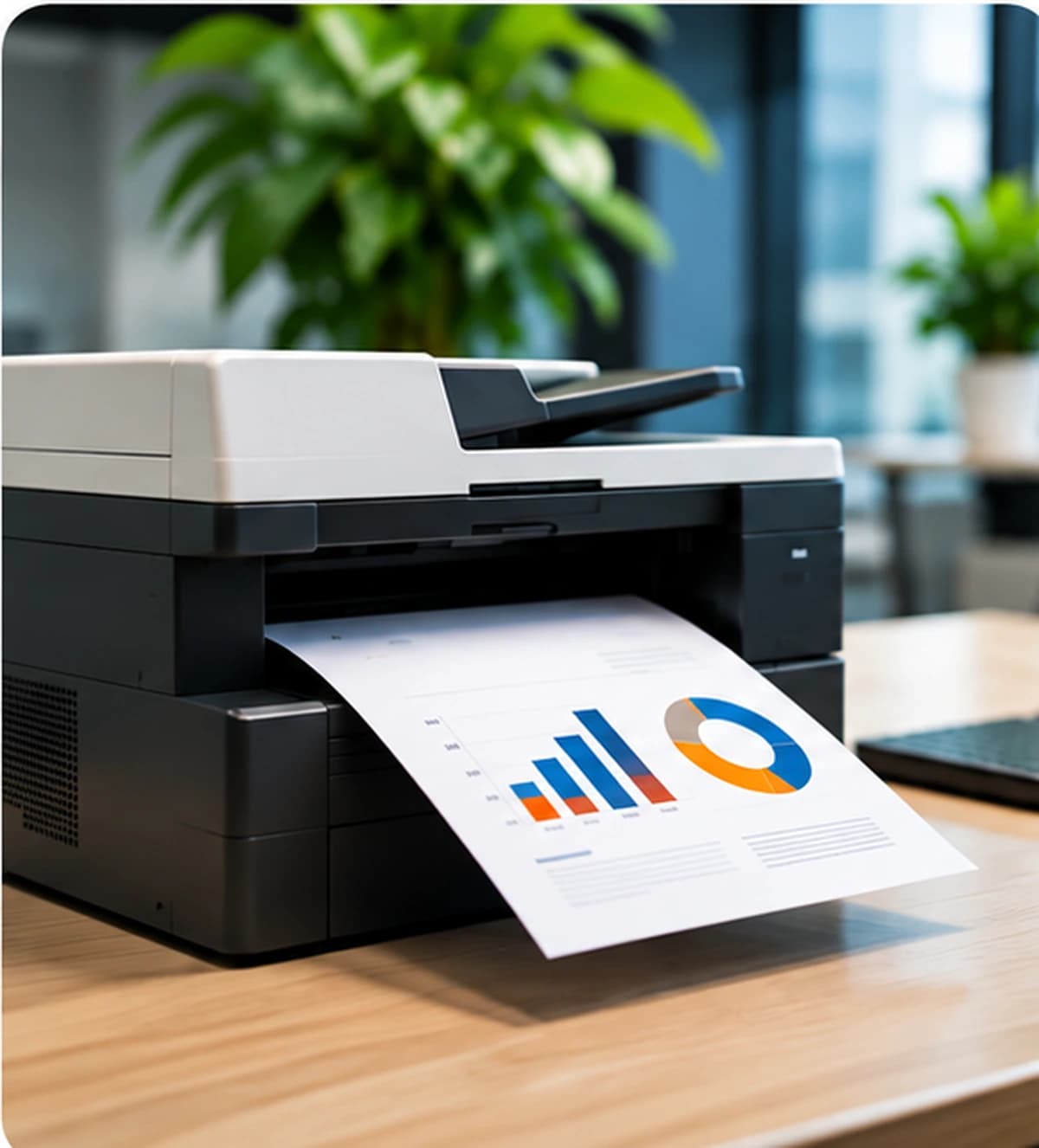
Managed print services is a way of looking after business printers as an environment, rather than treating each device as a separate purchase. It is not a single package, and it does not replace the need to understand how your organization actually prints.
What managed print services means
In plain terms, a managed print arrangement is an agreed way to support the printers a business uses. The conversation usually covers which devices are in scope, where they sit, how supplies are handled, and what kind of help is available when something stops working. The details belong in the arrangement, not in a generic description.
A useful definition stays narrow. Managed print is about the business printing environment: devices, the people who use them, the supplies those devices need, and the support that keeps everyday printing moving. It is not a claim about software monitoring, automatic reporting, or a fixed list of included tasks.
Why businesses review their printing environments
Most reviews start with friction, not with a product. People walk to a printer that is out of paper. A shared device sits in the wrong room. Two teams order toner for the same model without knowing the other already has a spare. A device that used to be enough now sits in a busier work area.
A review is worth doing when those issues repeat, when nobody can say which printers the business still relies on, or when support is handled differently in every location. The point is to see the environment clearly before deciding whether a managed arrangement would help.
Understanding printer usage
Usage is more than a page count. It includes who prints, what they print, and whether the work is routine or occasional. A front desk may need a device within a few steps. A back office may print in batches. A conference room printer may sit idle most of the week and then be essential for a meeting.
- Which devices people actually walk to, and which ones are avoided.
- Whether printing is steady through the week or clustered around deadlines.
- Which jobs need color, larger paper, or a more private location.
- Whether the same document is printed because a shared file is hard to find.
You do not need a monitoring platform to start. A short period of observation, a conversation with the people who print, and the supplies you have been replacing will already show the pattern.
Managing devices across work areas
A single office can still have several printing contexts: reception, open work areas, a locked room, and a location that visitors use. Each one has a different expectation for privacy, walking distance, and who is allowed to clear a jam or replace paper.
If the business has more than one site, write down the sites separately. A device list that mixes every address makes it harder to see which location is under-served and which one has overlapping equipment. Support for more than one location is possible, but it depends on the sites, the equipment, and what the arrangement covers.
Equipment support considerations
Support is the part people notice first, because it is what happens when a printer stops. Some issues can be handled remotely: a queue that is stuck, a driver that was installed for the wrong device, or a setting that sends every job to the tray nobody uses. Other issues need someone with the device, especially paper jams that repeat or error messages that do not clear.
Alpha And Omega Printing LLC provides printing-related business services with on-site and remote support. Which method applies is not assumed in advance. It depends on the issue, the location, the equipment, and the service arrangement. A managed print conversation should say how support is requested and what information the business will be asked to provide.
Supplies and consumables planning
Printers stop for ordinary reasons: no paper, a toner or ink cartridge that is empty, or a spare that does not fit the device in the room. Planning supplies means knowing which consumables each in-scope device uses and how quickly those items are replaced. It does not mean stocking every cartridge the manufacturer makes.
Keep the device and the supply together in your notes. A cartridge that looks similar can still be the wrong one for a specific model. Compatibility has to be checked for the printer you have. Nothing on this site promises that a particular item is in stock, that it will be replenished automatically, or that it fits every device.
Questions to ask when evaluating a managed print arrangement
Ask questions that force the scope into the open. A clear answer is more useful than a broad promise.
- 01Which devices, sites, and work areas would be included?
- 02What does the business still handle itself?
- 03How are supplies identified for each device, and who checks compatibility?
- 04When is support remote, and when does it need a visit?
- 05How will the business request help, and what details should be ready?
- 06How will the arrangement be reviewed if the office, the staff, or the devices change?
How to determine whether managed print services may be appropriate
A managed arrangement is more likely to be useful when several people share printers, when devices are spread across rooms or sites, or when supplies and support are already taking time away from the work those printers exist to support. It is less obviously useful when the business has one simple device, a stable routine, and no recurring problems.
Appropriateness is a judgment about your environment, not a score. If you cannot yet describe the printers, the locations, and the problems, start there. The service page for managed print explains how Alpha And Omega Printing LLC approaches that conversation. The scope is confirmed in the arrangement.
Checklist for reviewing the current printing environment
- 01List the printers people rely on, including the room or site for each one.
- 02Note who uses each device and what kind of work it handles.
- 03Mark devices that are rarely used, hard to reach, or duplicating another nearby printer.
- 04Record the supplies each device uses and how often they are replaced.
- 05Write down the problems that repeat, and whether they were handled remotely or on-site.
- 06Identify who orders supplies and who is called when a device stops.
- 07Decide which locations would need to be part of any managed arrangement.
- 08List the questions you still cannot answer. Those are the ones to raise before a scope is agreed.
Related service
Managed Print Services
The article is general guidance. What Alpha And Omega Printing LLC does for a specific organization depends on the requirements and the arrangement.
View serviceRelated articles
Print Fleet
How to Keep Your Print Fleet Organized and Efficient
How to inventory business printers, see where they overlap, and review usage, supplies, and device life without assuming monitoring software.
5 min read
Read article
Supplies
Planning for Printer Supplies and Consumables
How to match toner and ink to the printers you have, track what you replace, and buy for several devices without assuming stock or automatic replenishment.
5 min read
Read article